Your world
Every country you visit lights up on a world map, with continent progress and flags. Works offline.
 Worldwanderer
iPhone app
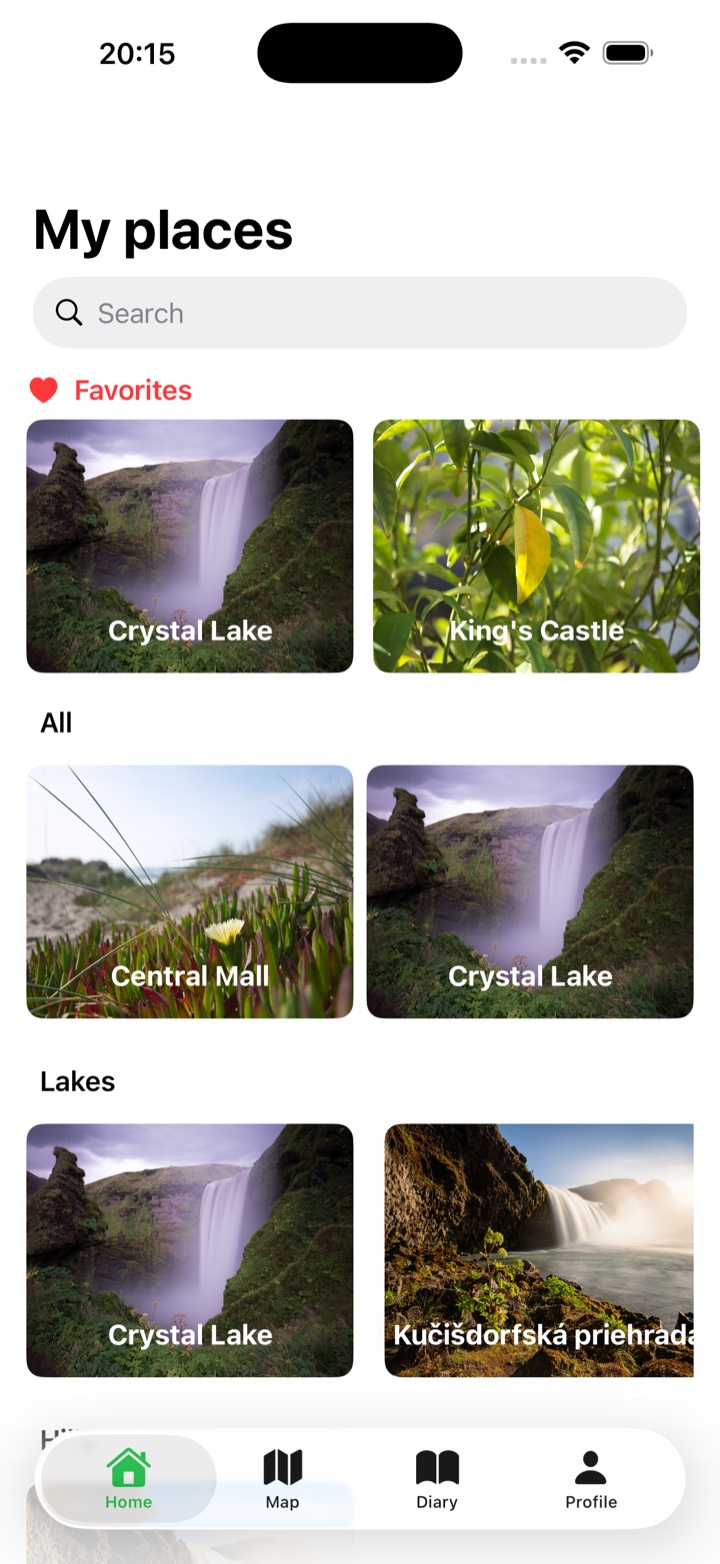
Save places worth returning to with photos, notes, category colors, precise coordinates, and Apple Maps navigation.
New in version 1.2
See your world fill in, turn your camera roll into saved places, and share where you have been. Now runs on iOS 18 and later.
Every country you visit lights up on a world map, with continent progress and flags. Works offline.
Worldwanderer suggests places from where your photos were taken. The scan runs on your iPhone and nothing is saved until you confirm.
Share beautiful cards of your places, trips, badges and world map. Cards show the country, never coordinates or photo location data.
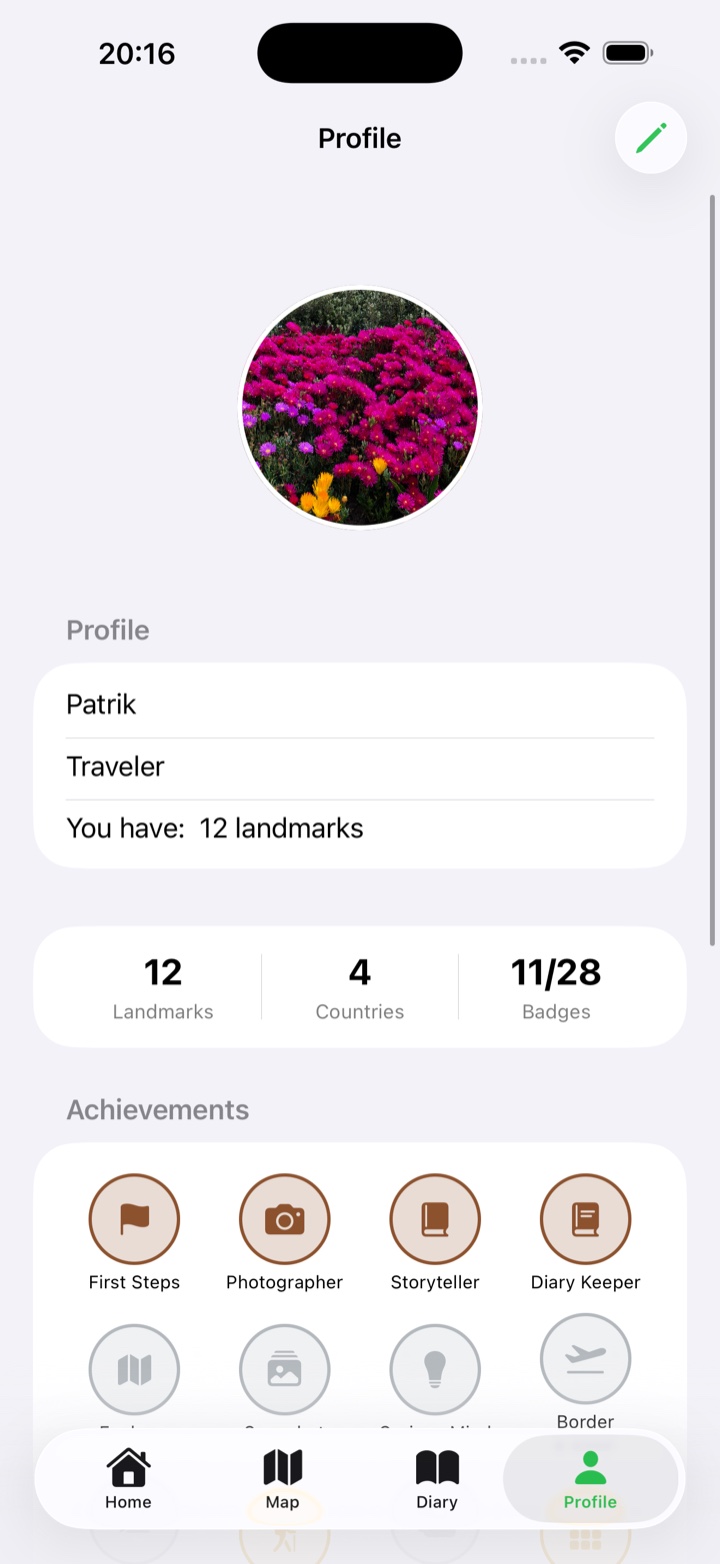
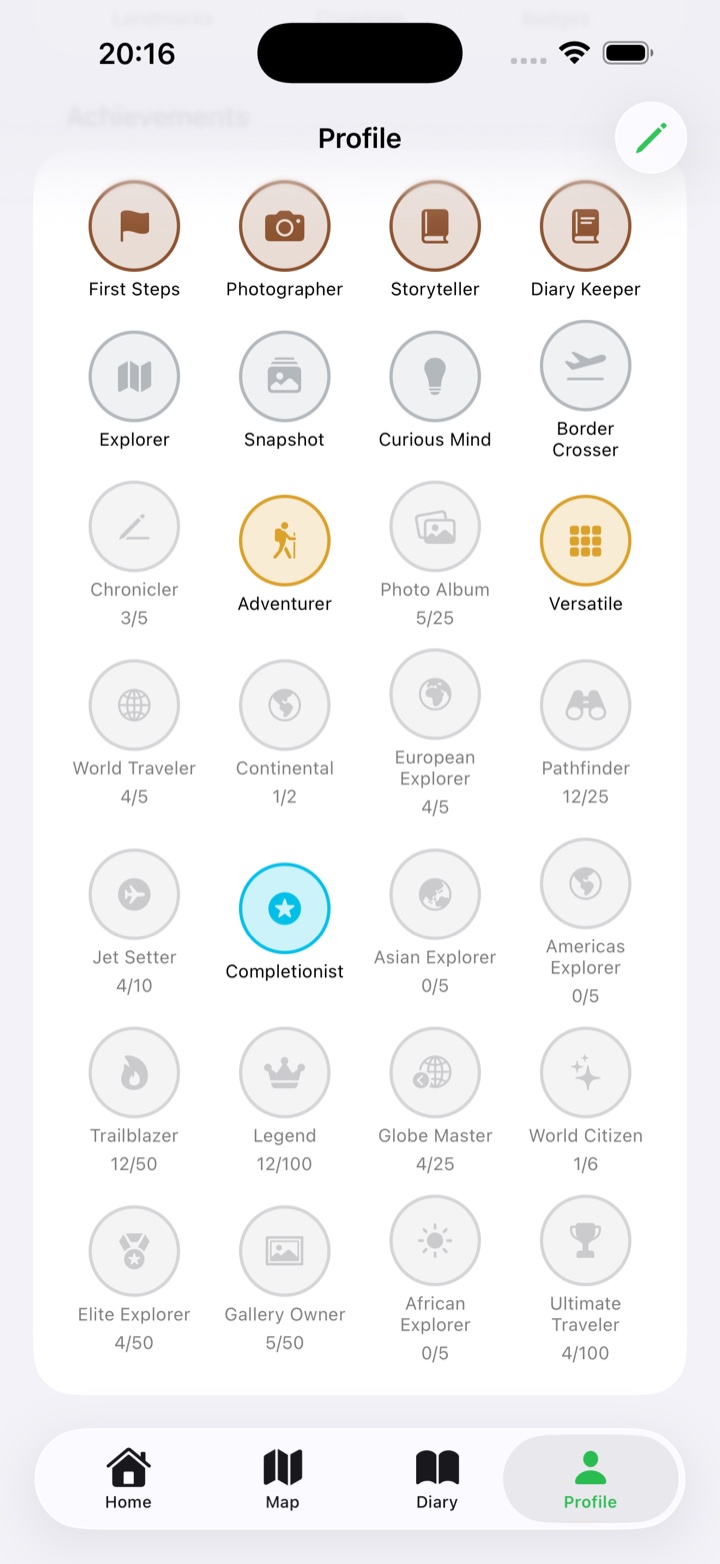
Badges now celebrate the moment you unlock them, and Home shows the one you are closest to next.
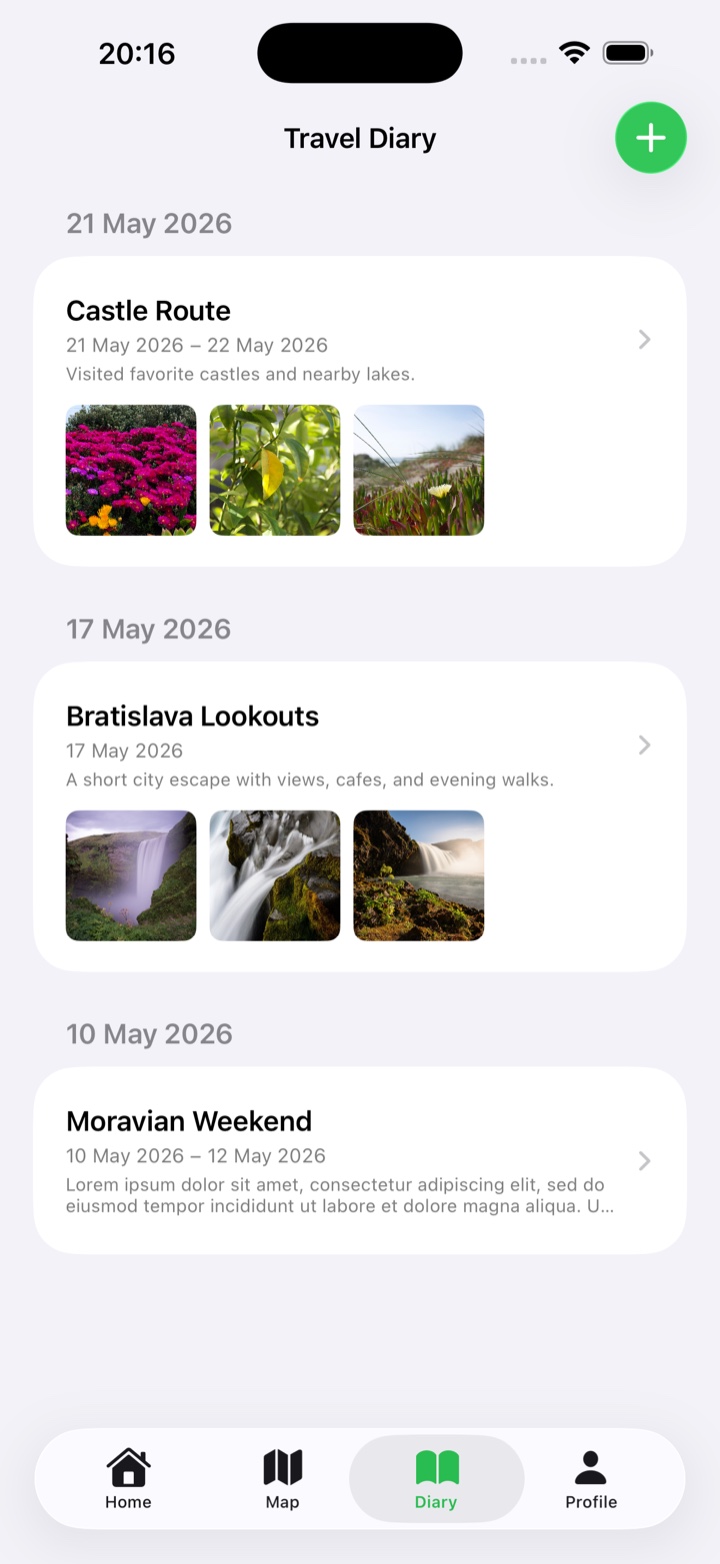
Connect places to your trips and see the route on a map, with places from the trip dates suggested first.
Your year of exploring at a glance: places, new countries, your busiest month, longest trip and badges, ending in a shareable card.
Save places you want to visit. Check them off yourself, or let Worldwanderer mark them visited when you open the app there.
Search a place by name to fill in its coordinates, or keep entering latitude and longitude by hand for spots off the map.
Apple Maps built in
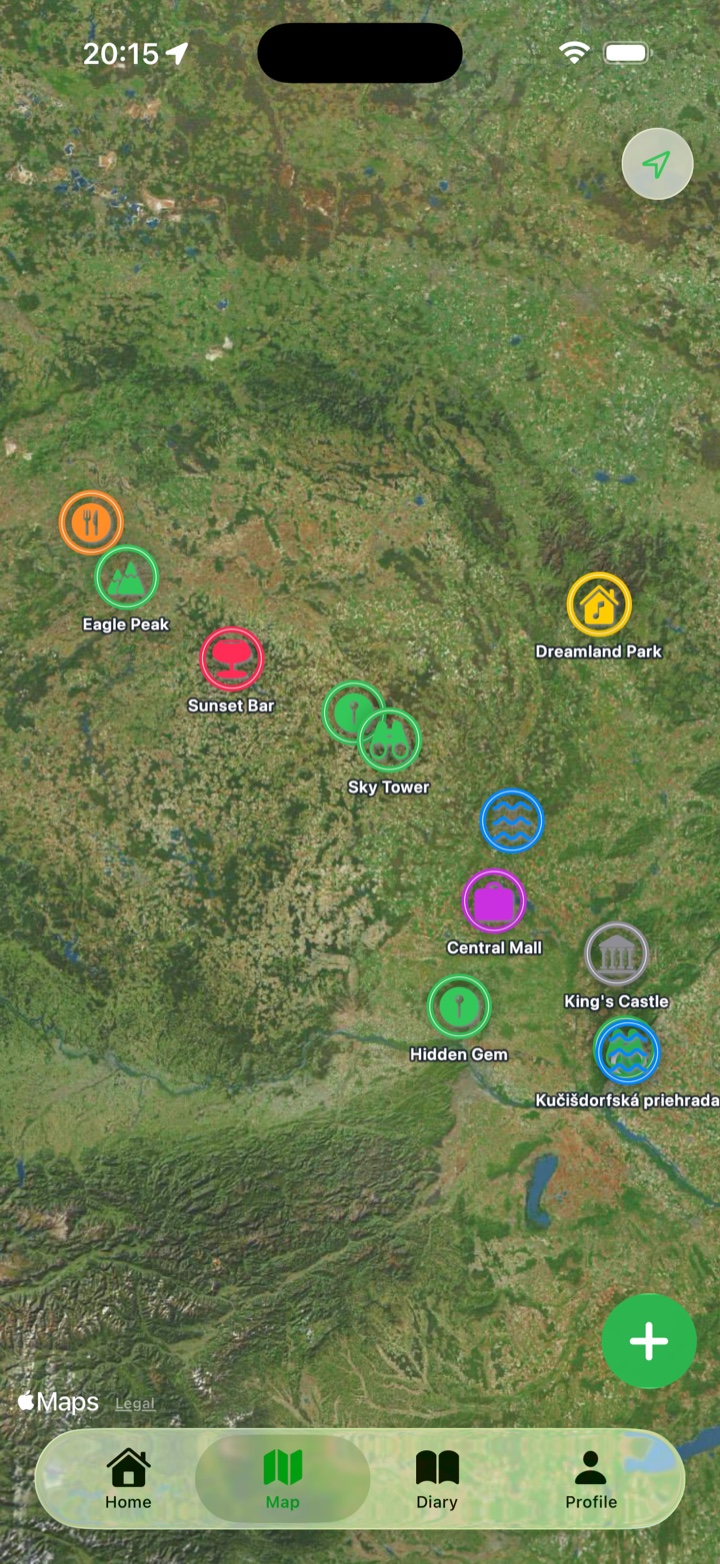
The map tab uses Apple Maps to show your saved places as category-colored annotations. From a landmark detail screen, the Navigate action opens directions so you can get back there when it matters.
Real app screens
SF Symbols from the app
These category badges mirror the Swift mapping in Worldwanderer's app code.
App icon assets
The website uses the standard, dark, and tinted Worldwanderer app icons from the app's asset catalog.


Create a landmark from your current location or enter exact latitude and longitude.
Photos, notes, categories, and colors make saved places easy to scan later.
No accounts, ads, analytics, or tracking. Worldwanderer keeps your saved places local.
Simple privacy
Profile details, landmark names, coordinates, notes, categories, and selected photos are stored locally by the app.